Airbnb Welcome Book Template Guests Will Actually Read
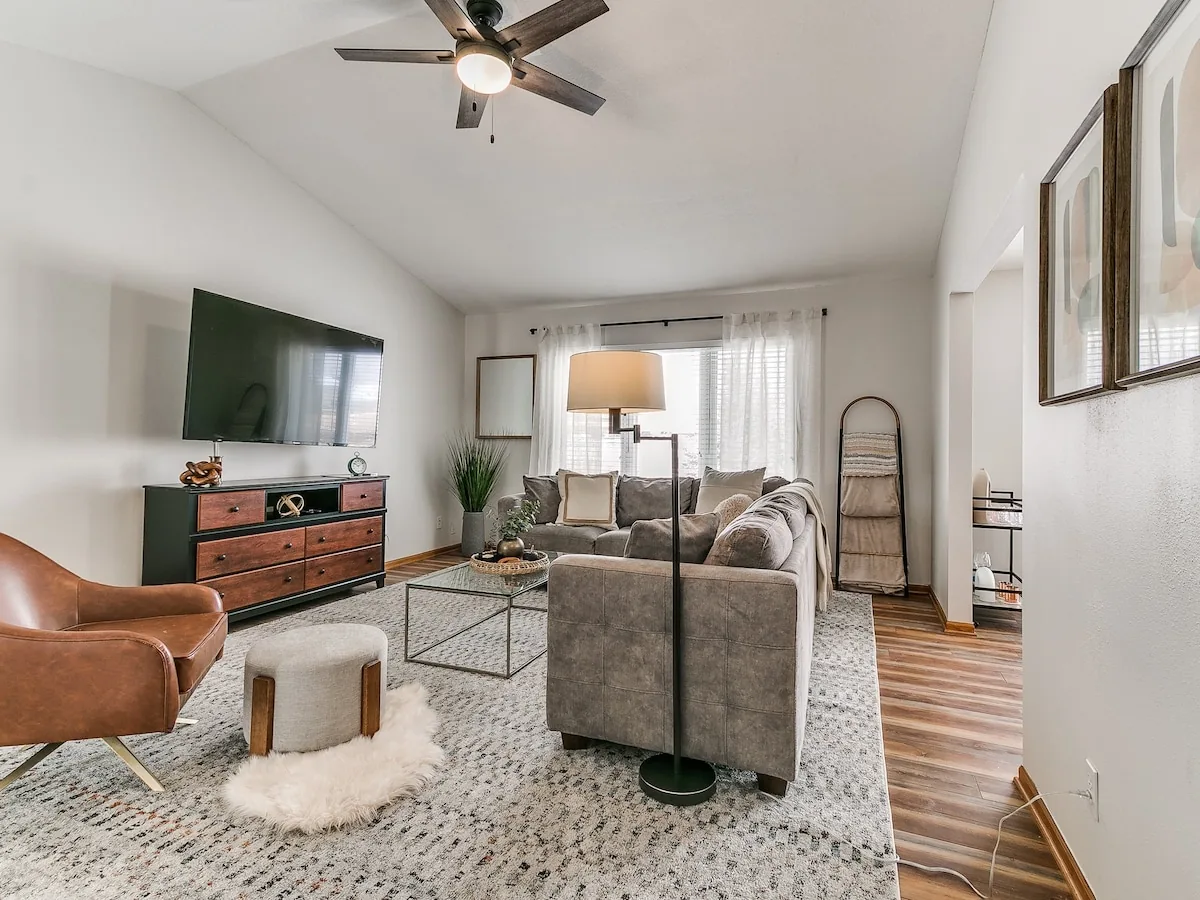
Most welcome books are a three-ring binder with a faded printout of the wifi password, a takeout menu from a restaurant that closed during the pandemic, and eleven pages nobody will ever read. It sits on the counter looking responsible. It accomplishes almost nothing. A good airbnb welcome book is a completely different animal: short, findable, and built around the four or five things a guest will actually need in their first twenty minutes. There is a free airbnb welcome book template further down you can copy straight into a doc.
The test is simple. If a guest has to open your welcome book to find the wifi password, the book has already failed.
Five years in, running 60-plus rentals across Central Iowa with more than 700 reviews, I can tell you exactly which pages of a welcome book get read. The first one. Sometimes the local recommendations. That is it.
A free Airbnb welcome book template you can copy
Here is the vacation rental welcome book template we start from. Copy it into a Google Doc, Canva, or whatever digital guidebook tool you use, fill in the brackets, and delete any line that does not apply to your home. If a section runs longer than a phone screen, cut it.
1. Welcome + wifi
Welcome to [house name]. We are glad you are here.
Wifi: [network name] / Password: [password]
Questions? Message us in the Airbnb app or text [number].
2. Getting in and parking
Door code: [code], sent the day before arrival.
Use the [front / side / back] door.
Park [in the driveway / on the street, north side only / spot #].
3. The house and its quirks
Thermostat: [where it is, how to change it].
TV: [which remote, which input for streaming].
Three things to know: [the door that sticks], [the shower that takes a minute], [the burner that runs hot].
4. Our local picks
Breakfast: [place], [one-line opinion].
Dinner: [place], [what to order].
Coffee: [place].
Grocery: [store], [minutes away].
Late night: [place].
5. One thing we would tell a friend
[The trail, the market day, the park, the view.]
6. Checkout
Checkout is [time].
Before you go: [start the dishwasher], [towels in the tub], [trash in the bin by the garage], [lock the door].
Leave the keys [location], if any.
7. How to reach us
Message us anytime in the app. For an emergency, call [number].
Emergency means: [water leak, no heat in winter, lockout, safety issue].
That is the whole airbnb welcome book template. Seven sections, one screen each. Everything after this in the post is about what to put in those brackets, and what to keep out of them.
Welcome book versus house manual
These two get used interchangeably and they should not be. A house manual is operating instructions: how the thermostat works, which breaker controls the garage, what to do if the dishwasher backs up. It exists to prevent a message at nine at night. Our Airbnb house manual guide covers that side properly.
A welcome book is hospitality. It is the part that makes someone feel like a guest instead of a user. Local food, the walk worth taking, the thing about the neighborhood only a local would mention. Different job, different tone, and it is fine for one document to hold both as long as the structure makes it obvious which is which.
Every home we run gets a welcome book, a pre-arrival message, and a counter card built the way this post describes. If you would rather not write yours, that is part of our Airbnb management.
Put the urgent things where guests already are
Here is the ordering problem. The information guests need most urgently is the information they need before they can sit down and open a book. Door code. Wifi. Parking. Which door.
So those belong in three places, none of which is page four.
- The pre-arrival message, sent the day before. Address, door code, parking, which entrance, and the wifi password. This single message prevents more inbound questions than any document you will ever write.
- On the wall, next to the thing. Wifi name and password on a small card by the router and another in the kitchen. Trash day and bin location on the inside of the cabinet under the sink. Thermostat notes next to the thermostat. Guests look where the problem is, not where the book is.
- Pinned in the Airbnb message thread. Guests scroll the thread. They do not scroll a PDF.
A guest will walk past a binder to text you a question that the binder answers. Put the answer where the question happens.
What belongs in the book
Once the urgent stuff is handled elsewhere, the welcome book gets to do the thing it is good at. Keep it to one screen of contents and these sections.
- Wifi, again, at the very top. Yes, it is in three other places. Put it first anyway. It costs you one line and saves you a message.
- The quirks. Every house has three. The back door sticks. The shower takes a minute to warm up. The second burner runs hot. Naming them in advance turns a flaw into a charming detail instead of a review line.
- Appliances that confuse people. Induction cooktops, European washers, smart TVs, anything with a remote that has more than ten buttons. One sentence each.
- Local food, with actual opinions. Not a list of twenty restaurants. Five, with a reason. "Best breakfast, go before nine on a Saturday or wait" is worth more than a map of every diner in town.
- The local thing you would tell a friend. The trail, the farmers market day, the park with the good playground. This is the part guests quote in reviews.
- Checkout, stated plainly. Time, where the keys go, what you want done with towels and trash. Our Airbnb checkout instructions guide gets into how to word this without sounding like a landlord.
- How to reach you, and when. One number or the message thread, plus what counts as an emergency.
What to leave out
House rules, mostly. They belong in your listing and your booking confirmation, where they are enforceable and where the guest agreed to them. Restating all of them in the welcome book turns a hospitality document into a warning label, and it changes how the whole thing reads.
Also leave out: your life story, a long note about how much the property means to your family, the full history of the neighborhood, and anything printed small. Nobody is reading nine-point type on vacation.
Digital beats printed, with one exception
A digital welcome book wins on almost everything. You can fix a typo in ten seconds. You can update the restaurant that closed. Guests can tap a phone number or open a map instead of typing an address. You can send it before arrival so they read it on the drive. Tools like Touch Stay and Hostfully do this well, and a clean Google Doc or a simple page on your own site works fine too.
The exception is the counter card. One printed card, one page, with wifi, the door code, your number, and checkout time. It exists for the moment a guest's phone is dead and they are standing in your kitchen. That card has earned its place. The binder has not.
Write it once, then actually maintain it
Set a reminder twice a year. Check that every restaurant still exists, every phone number still works, and every link still resolves. A welcome book recommending a closed restaurant does more damage than no welcome book at all, because it tells the guest nobody has looked at this place in two years.
Short, current, and findable. That is the whole job.
Airbnb Welcome Book FAQ
What should an Airbnb welcome book include?
Wifi at the very top, the house's quirks, brief notes on confusing appliances, five local food recommendations with real opinions, one genuine local tip, plain checkout instructions, and how to reach you. Keep it to a single screen of contents.
Is there a free Airbnb welcome book template?
Yes. The template in this post is free to copy into a Google Doc, Canva, or a digital guidebook tool. It has seven sections: welcome and wifi, getting in, the house and its quirks, local picks, a local tip, checkout, and how to reach you. Fill in the brackets and delete anything that does not apply to your home.
What is the difference between a welcome book and a house manual?
A house manual is operating instructions that prevent late-night messages, like how the thermostat or breakers work. A welcome book is hospitality: local recommendations and the feel of the place. One document can hold both as long as the structure makes clear which is which.
Should my Airbnb welcome book be digital or printed?
Digital for the full book, because you can fix typos, update closed restaurants, and send it before arrival so guests read it on the drive. Keep one printed counter card with wifi, door code, your number, and checkout time for when a phone dies.
Should house rules go in the welcome book?
Mostly no. Rules belong in your listing and booking confirmation where the guest formally agreed to them. Repeating them all in the welcome book turns a hospitality document into a warning label and changes how the whole thing reads.
Where should I put the wifi password?
Everywhere. In the pre-arrival message, on a card by the router, on a card in the kitchen, pinned in the message thread, and on page one of the welcome book. It is the single most requested piece of information and it costs nothing to repeat.